 QuoteCloud
Discounts, markup and margin on a line item
Give any row in a price table its own discount, markup or margin, and choose what your customer sees.
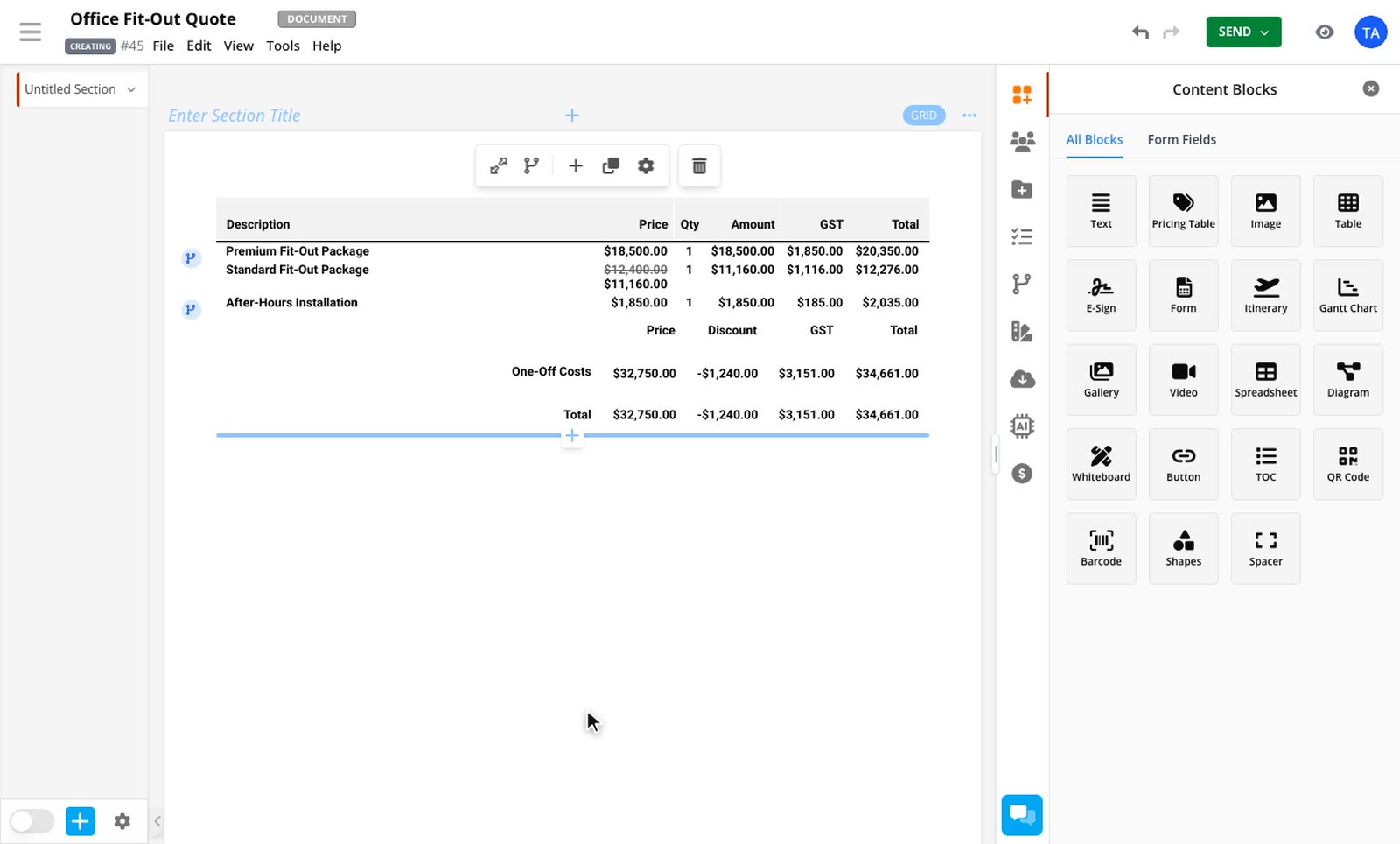
Line item adjustments let you change the price of one row without building a formula. Right-click a row, choose what you want to do, and check the preview of what your customer will see before you apply it.
The Line Item Adjustments add-on is included on the Business plan and above, and during a trial.
Which one to use
Discount takes money off the price. You choose how it appears, or hide it completely. See Discount a line item.
Markup sets the price by adding a percentage to your cost. See Set a price with markup or margin.
Margin sets the price so that a percentage of it is profit. It uses the same guide.
A row can have a discount as well as a markup or margin, and the discount comes off the price they set. A row can't have a markup and a margin at the same time.
Where to find it
Right-click a row and choose Add discount, margin or markup…. Once a row is set up, the same menu item opens a submenu where you can edit the adjustment, change how the customer sees it, or remove it.
On a phone, tap the row and open Adjustment. You can't select several rows there, but Apply to still covers a section or all rows. Remove clears both the discount and the markup or margin.
Who can use it
Adding or changing a discount needs Discount Access in your role.
Anyone who can edit the document can add a markup or margin, unless the row's price is locked.
If you don't have permission, the option is greyed out and tells you why.
Going further
If your plan changes
Quotes keep showing correctly if your company no longer has the add-on. You can remove an adjustment, but you can't add or change one.
Related guides
- Discount a line itemTake a percentage or a fixed amount off a single row, per unit or for the whole line.Line Item Adjustments add-on
- Set a price with markup or marginWork out a row's price from your cost and a percentage. Your customer never sees the cost or the percentage.Line Item Adjustments add-on
- Change a discount, markup or margin with a pricing ruleTurn a discount or margin on or off, set its amount and choose whether to show it, based on what your recipient selects or answers.Line Item Adjustments and Conditional Pricing add-ons