 QuoteCloud
Before you start
Only the account owner, or someone whose role lets them manage subscriptions, can turn add-ons on. If that isn’t you, ask them to follow these steps. The add-on applies to the company you’re working in.
Find the add-on
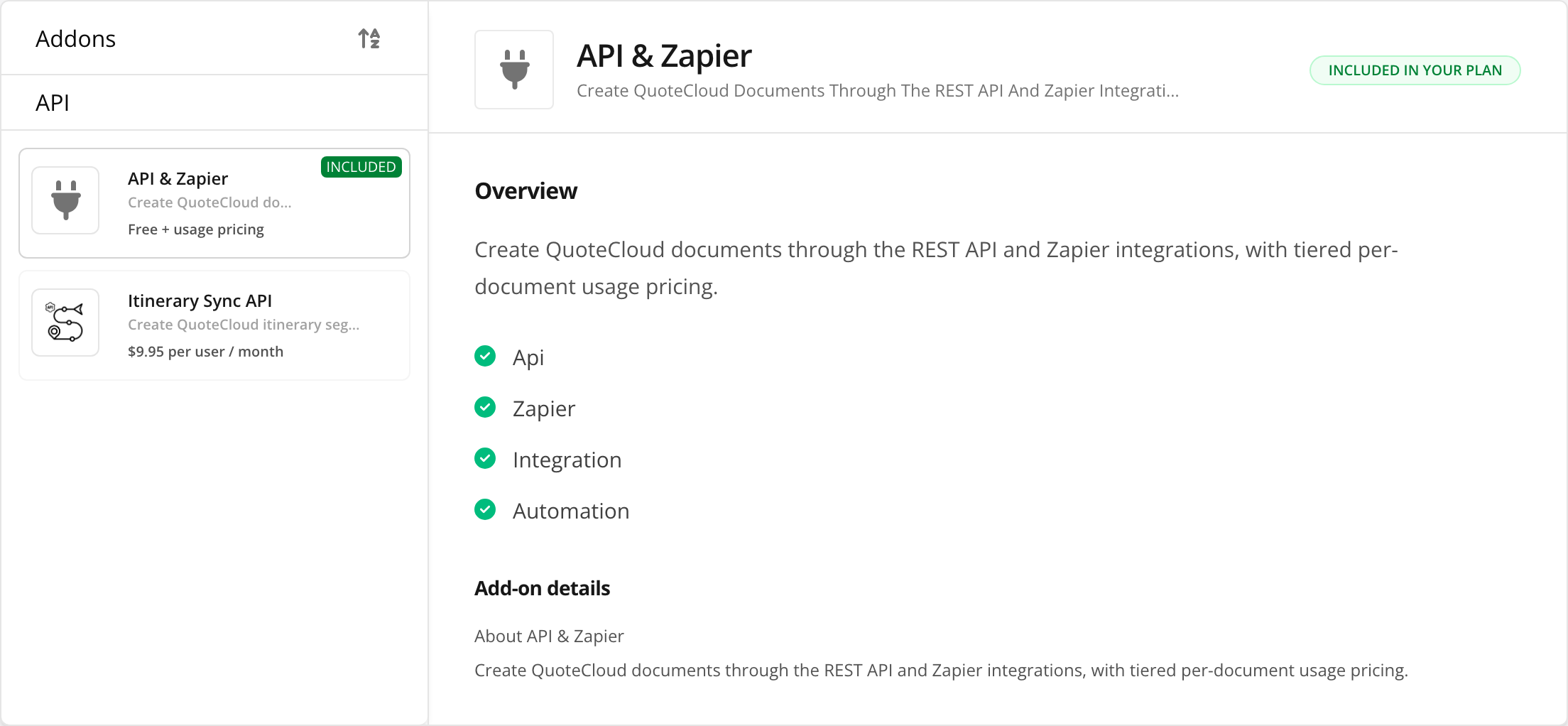
Choose Addons in the left-hand menu of QuoteCloud, search for API, and choose API & Zapier. The Enable API & Zapier add-on button on the API dashboard brings you here too.
 Open full size in a new tab
Turn it on
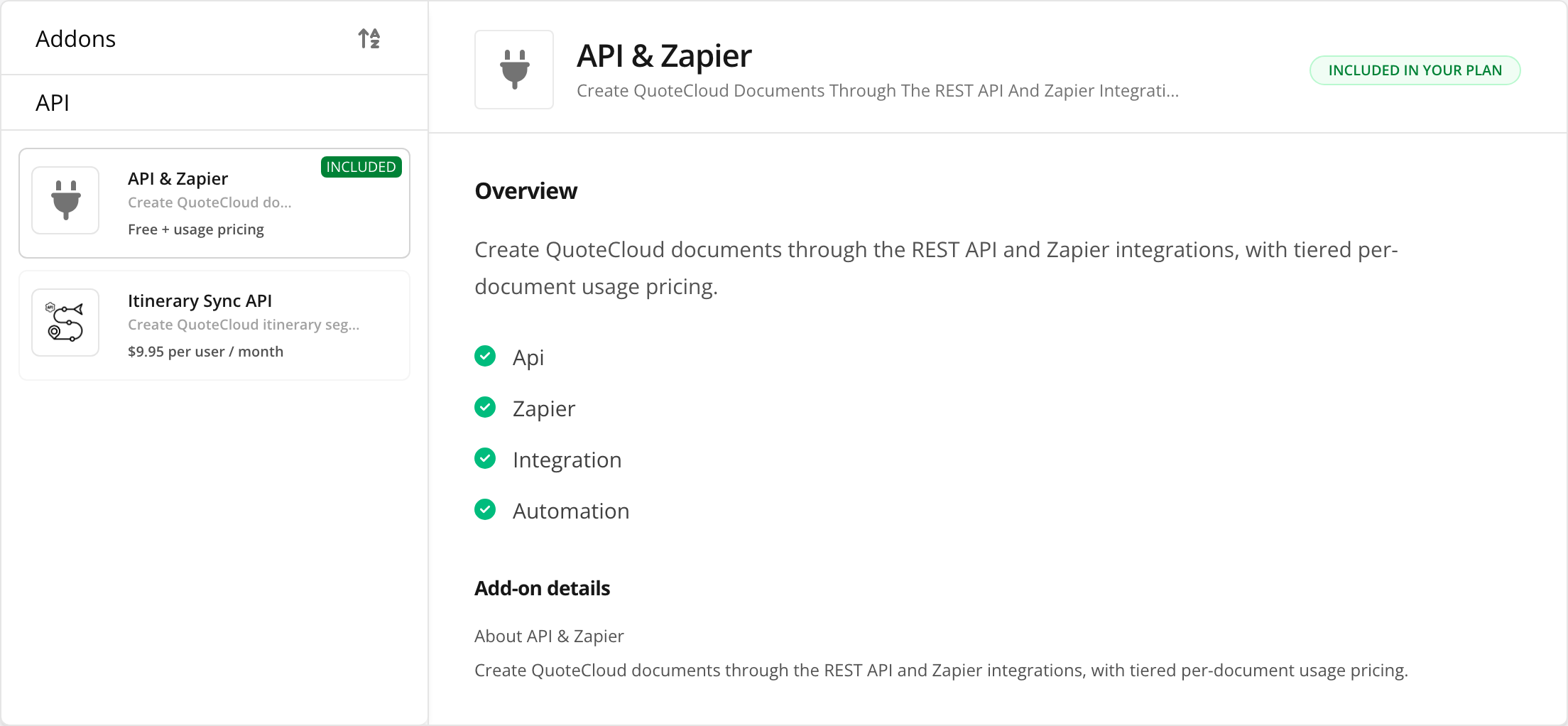
Choose Enable at the top right, then Confirm enable within 5 seconds. If your plan already includes the add-on, you’ll see Included in your plan instead, as in the picture, and there’s nothing to do.
Check it’s on
The add-on now appears under Installed Addons, and the API dashboard shows your connections and events instead of a lock.
What it costs
There’s no base fee. Each document created through the API or Zapier in a billing period is charged at a graduated rate, so the price per document drops as you create more. The add-on’s page lists the rates in your currency. To see how many you’ve created this period, choose API usage on the API dashboard.
What’s next
- Test the API with Postman, without building anything.
- Create an OAuth client to connect your own system.
- Create a webhook to hear when a document changes status.
Turning it off
Choose Unsubscribe on the same page. From then on, API requests from your company are refused with 403 addon_required, so check nothing still depends on them first.