 QuoteCloud
Before you start
You need the API & Zapier add-on on your company, access to your organisation’s settings, and an address in your system that can receive the data. A webhook belongs to the company you’re working in, so check you’re in the right one. The pictures show QuoteCloud on a computer.
Need more than document statuses? Webhooks made here only cover status changes. For new contacts, form submissions, payments, comments and more, subscribe through the API.
Open Manage Integrations
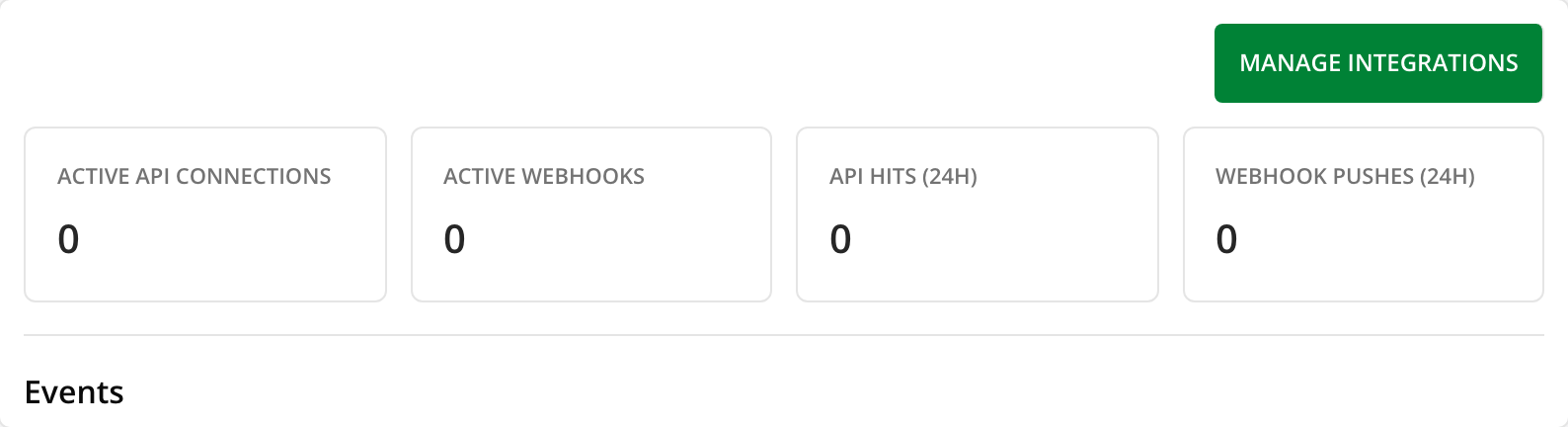
Open the API dashboard and choose Manage Integrations at the top right. If the add-on is off, this page shows the pricing and a button to turn it on.
 Open full size in a new tab
Start a new webhook
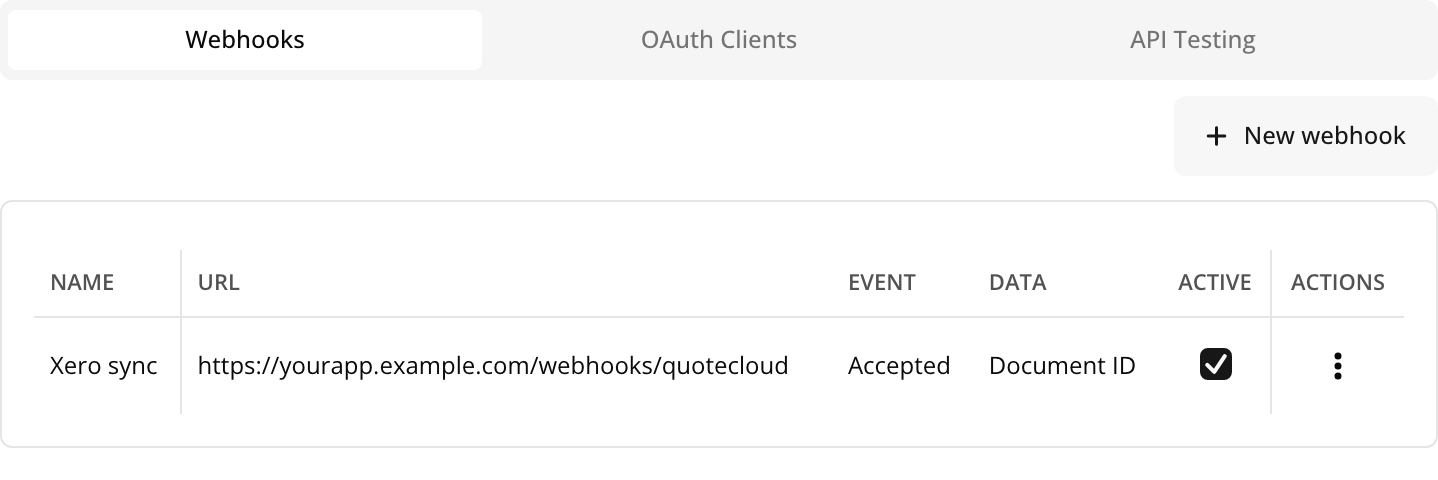
The panel opens on the Webhooks tab. Choose New webhook. If this is your first webhook, there’s no button because the form is already open.
 Open full size in a new tab
Fill in the form
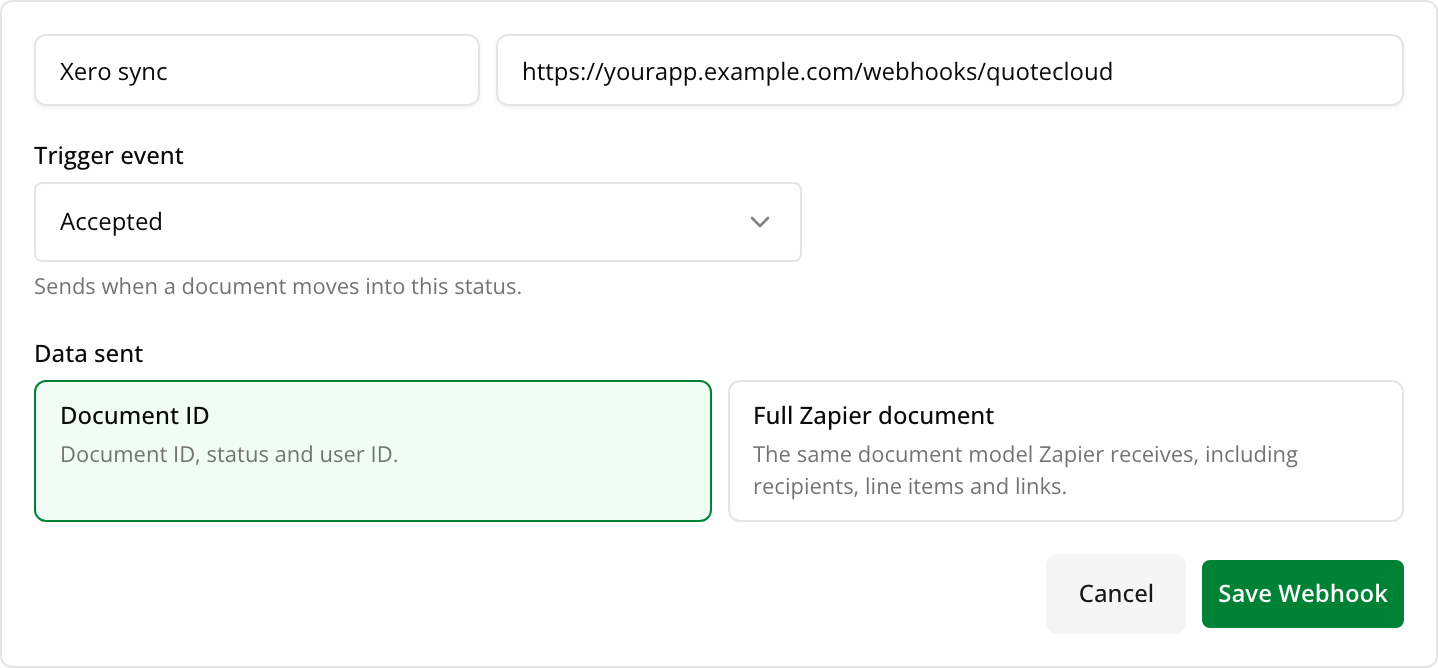
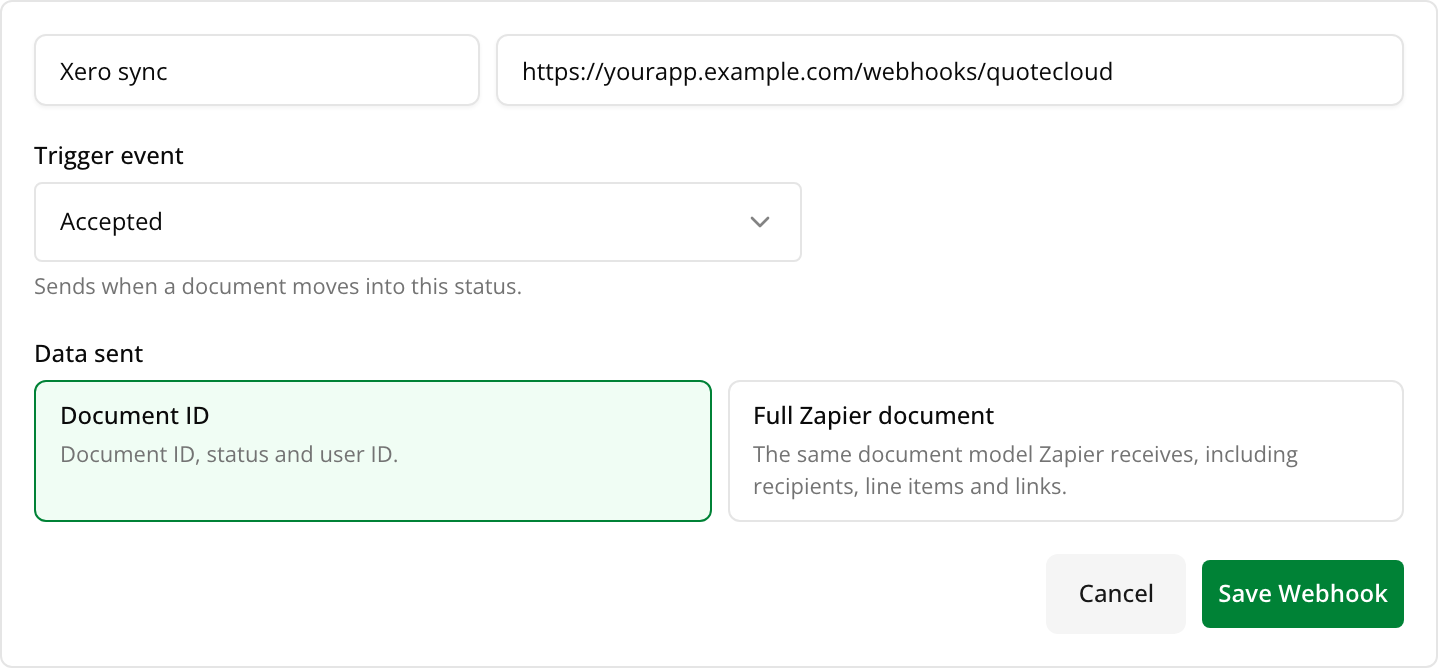 Open full size in a new tabNameA name you’ll recognise, such as the system you’re connecting.URLThe address in your system that receives the data. It must use
httpsand be reachable from the internet, solocalhostand private network addresses won’t save. It can’t contain a username or password.Trigger eventThe status that sets it off, such as Accepted or Paid. Each webhook has one, so create one for each status you care about.Data sentDocument ID sends the document’s ID, its status and who changed it. Your system can then ask the API for anything else. Full Zapier document also includes the recipients, line items and links. If the full document can’t be built, you get the shorter version instead.Choose Save Webhook.
Check it’s switched on
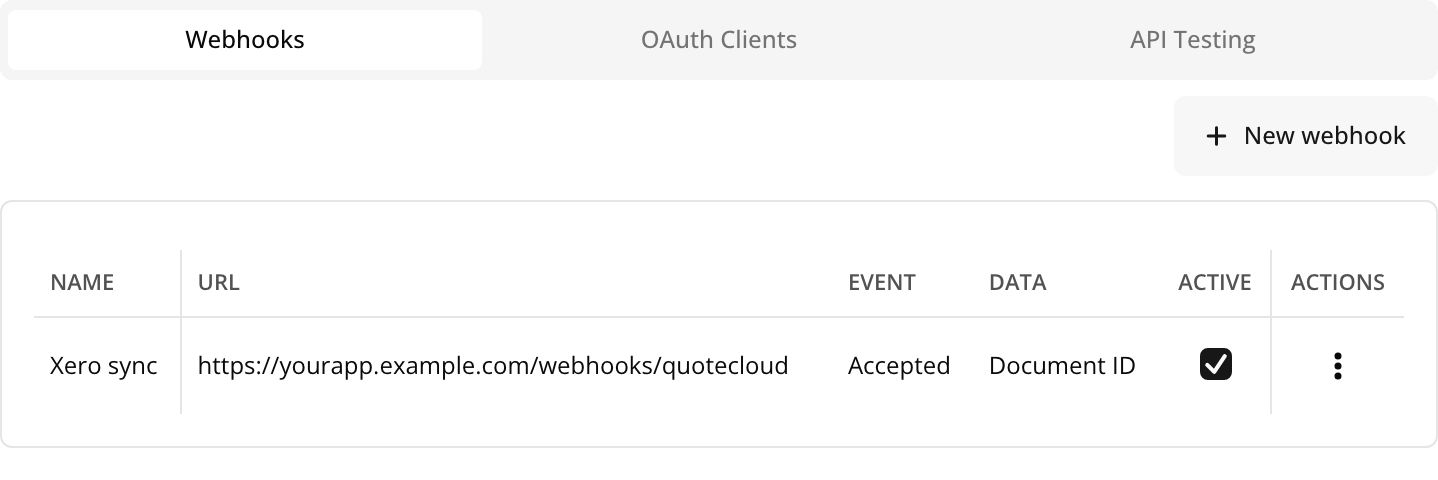
Your webhook appears in the list with Active ticked, and it starts working straight away.
 Open full size in a new tab
Try it out
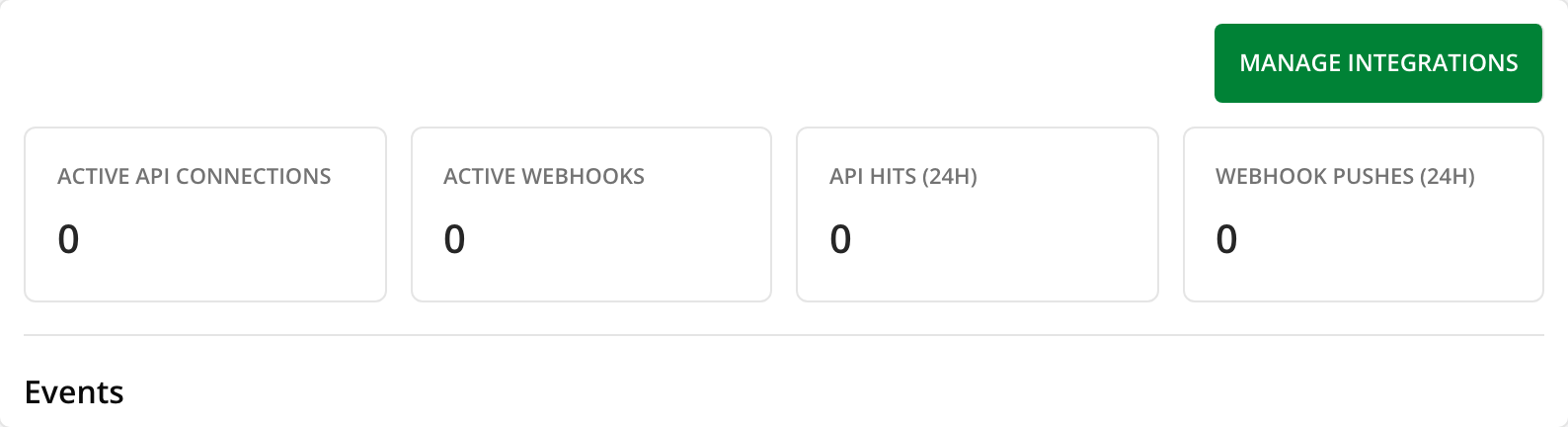
Move a document into the status you chose, then look at the Events table on the API dashboard. Each delivery shows as Success or Failed. Open the ⋮ menu on a row and choose More information to see what was sent, or Retry to send a failed one again. See how to fix a failed delivery.

What your system receives
A POST request with a JSON body. This is the Document ID version, with made-up IDs:
{
  "documentId": "k57c9m2x8e4t1r6w",
  "status": "accepted",
  "userId": "j90b3n7q5h2s8v4y",
  "eventId": "document_status:k57c9m2x8e4t1r6w:m12d6f9p3a7g5z8c",
  "occurredAt": "2026-11-02T04:15:00.000Z",
  "previousStatus": "opened"
}document_id.X-QuoteCloud-Event-Id header. Keep the ones you’ve handled, so you can ignore repeats.How to reply
Keep it safe
Deliveries aren’t signed, so anyone who knows your address could send it a fake one. Put a long, random value in the address, and before you act on anything important, confirm it with Get document status.
Changing a webhook later
Untick Active to pause a webhook without losing it. The ⋮ menu has Edit and Delete. Webhooks made by Zapier also appear in this list, and Zapier controls their event and data.