QuoteCloud
What’s changed
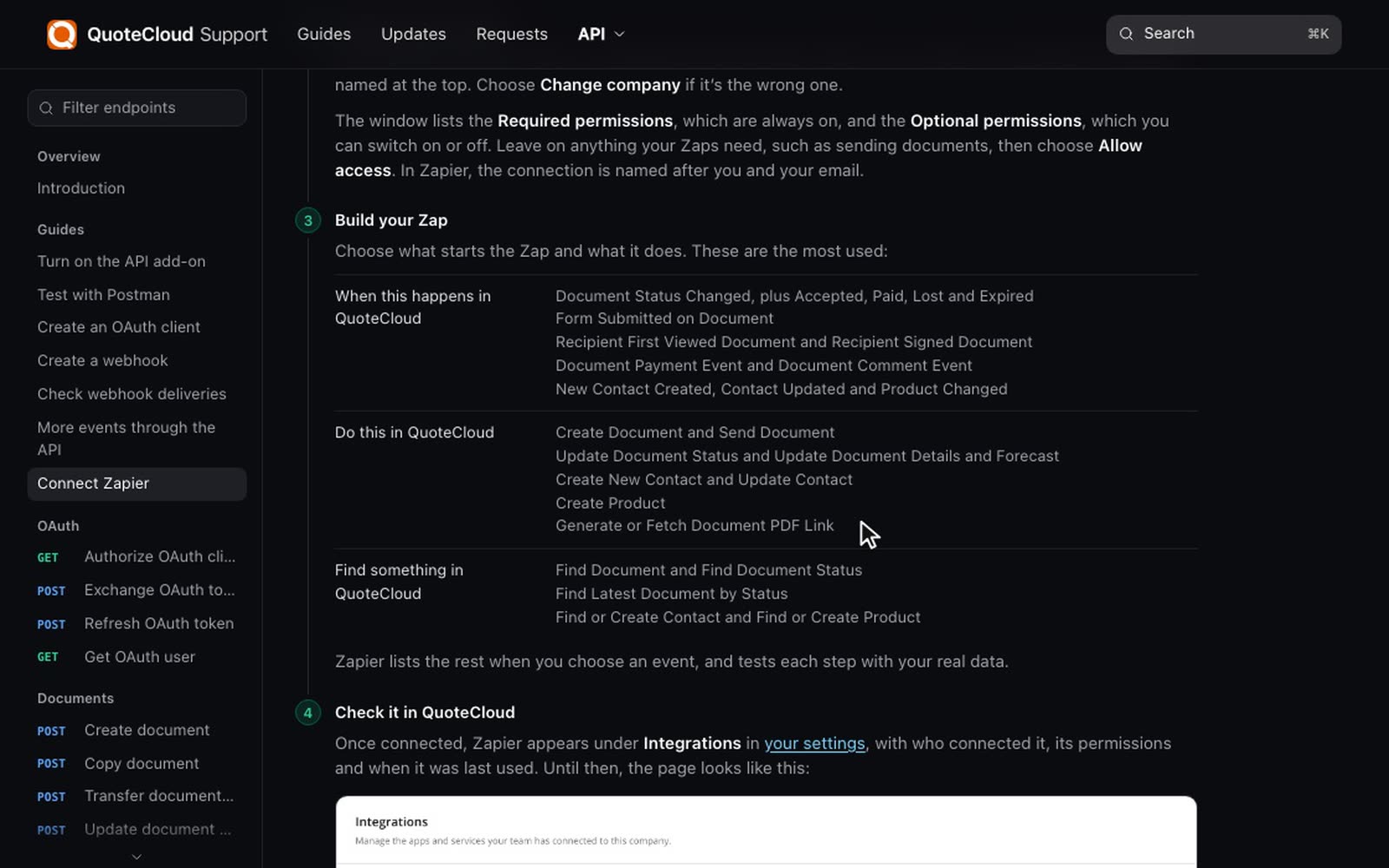
QuoteCloud now works from inside Salesforce. Install our package and your Opportunities and documents keep each other up to date, so nobody has to copy details from one to the other.
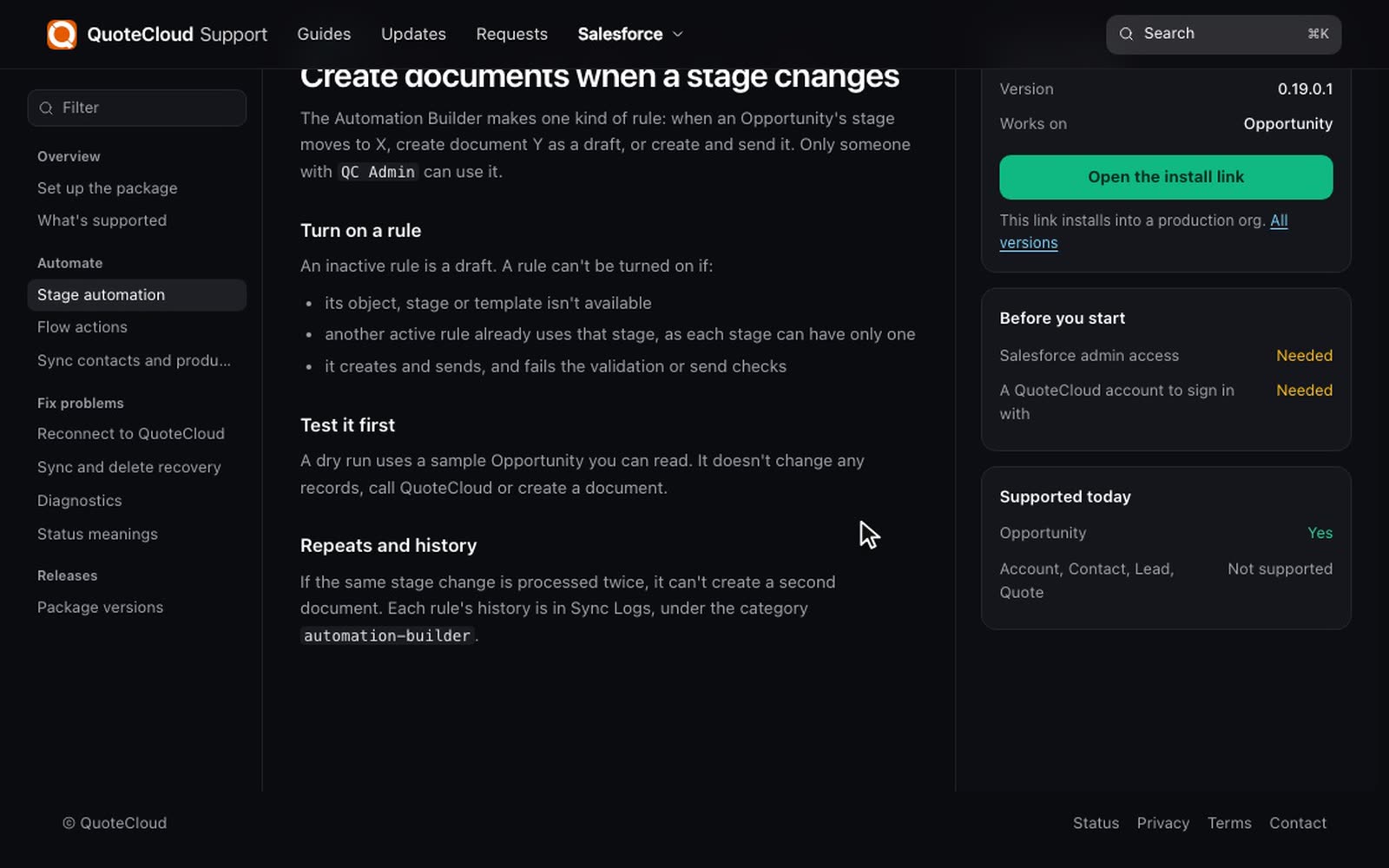
Create documents when a stage changes
Choose an Opportunity stage and a template. When an Opportunity moves to that stage, QuoteCloud creates the document as a draft, or creates it and sends it. You can try a rule first with a dry run, which uses a sample Opportunity and doesn't change any records or create a document.
Contacts and products stay up to date
When a document syncs back, its recipients and pricing rows update the Opportunity. A recipient with an email and no matching Contact becomes a new Contact, and your existing contact roles are kept. Read more in Sync contacts and products.
How to use it
3 steps
Install the package
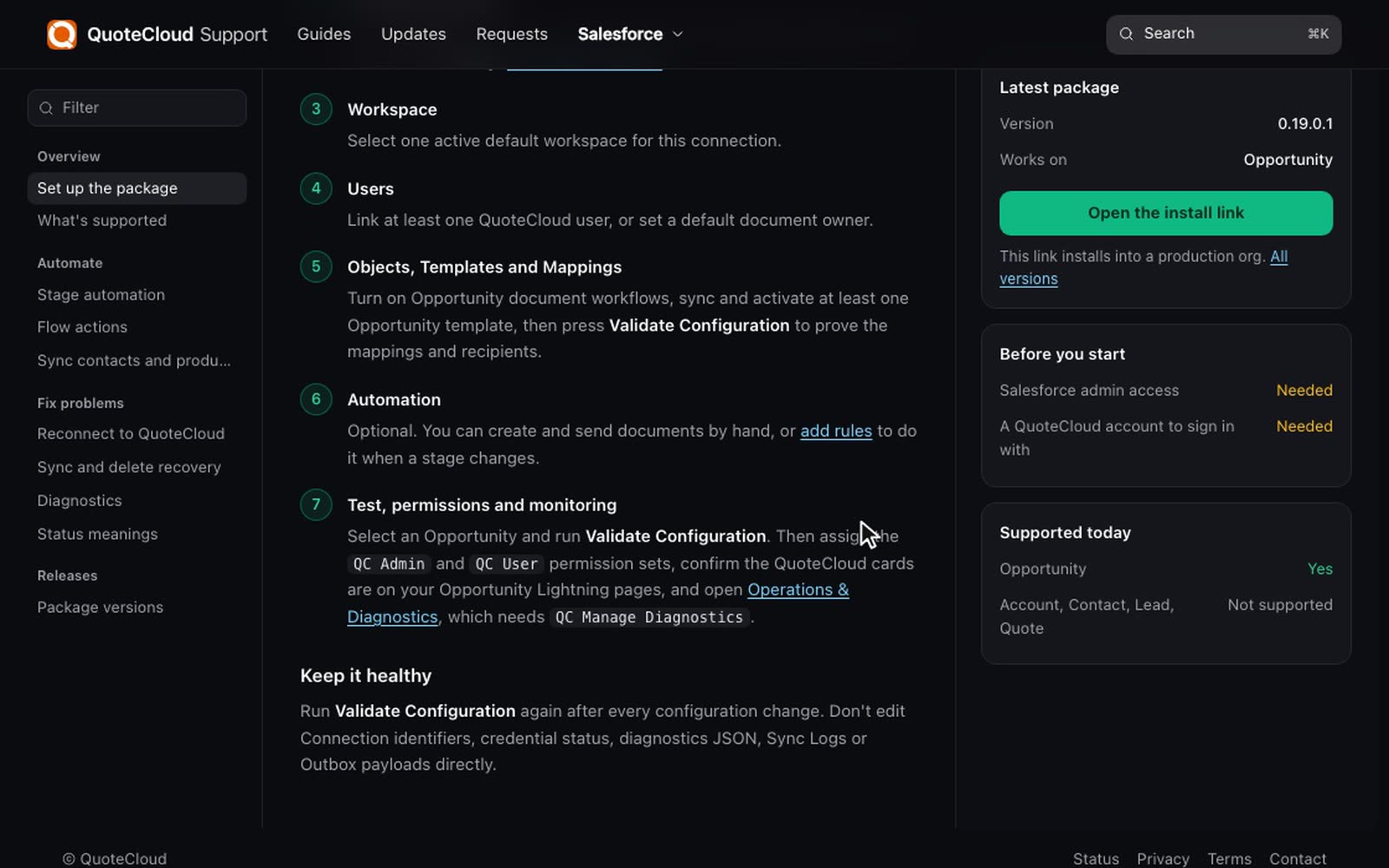
A Salesforce admin opens the install link in the setup guide. You'll also need a QuoteCloud account to sign in with.
Work through Setup Home
Setup Home takes you through connecting everything, in order.
Turn on a rule
Someone with QC Admin can open the Automation Builder and turn on their first rule. See stage automation.