 QuoteCloud
What’s changed
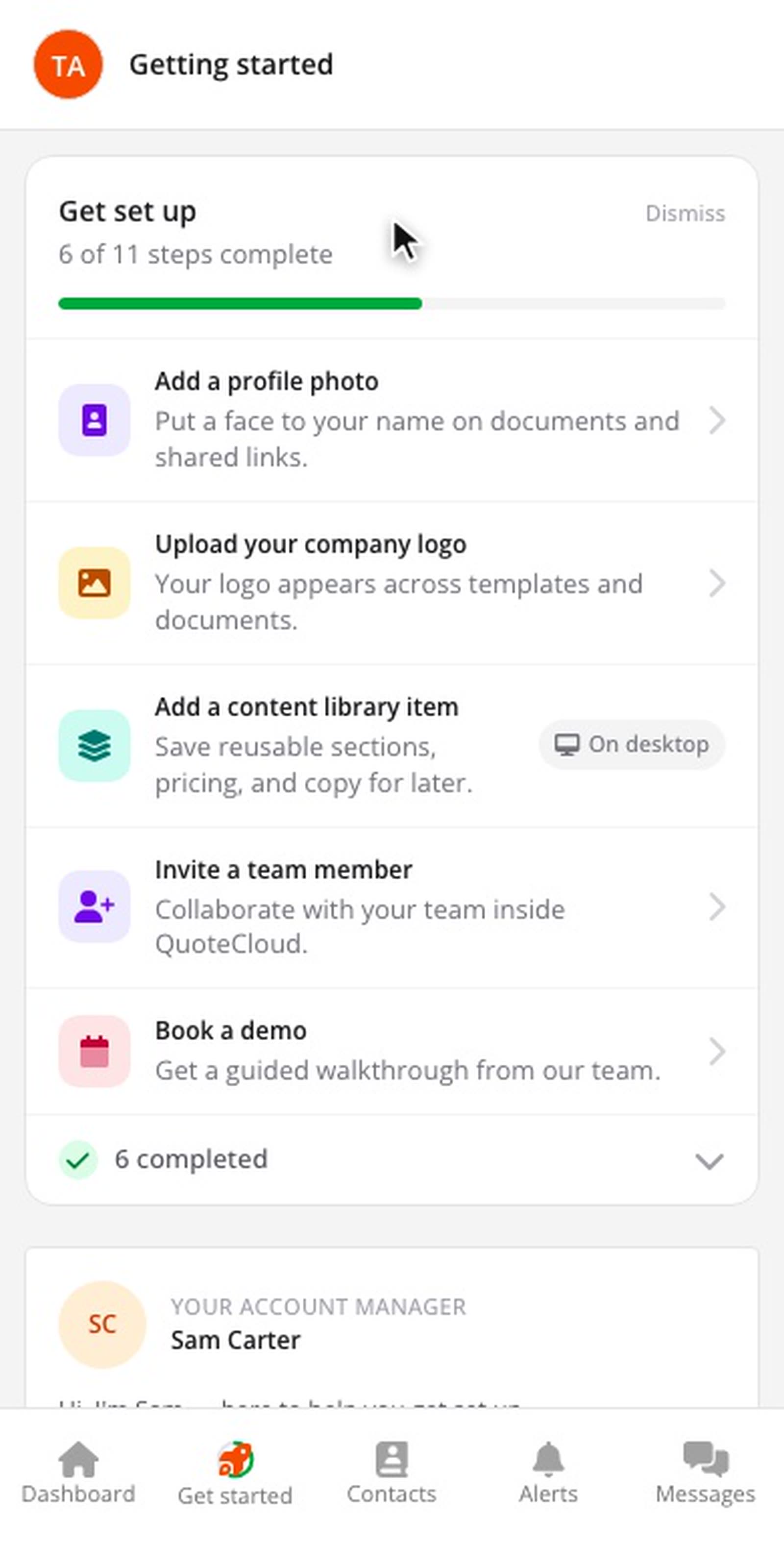
Getting Started used to be on desktop only. The mobile app now has it too, with the same checklist and progress, so a step you finish on your phone is ticked on your computer as well.
A tab that shows your progress
The new Get started tab sits next to Dashboard. The ring around its icon fills as you finish setup steps. While steps remain, a Finish setting up strip above your documents shows the next one; tap it to go straight to the checklist.
Everything from the desktop page
Scroll down for the product tour, suggestions for what to do next, templates for your industry, your account manager, your activity, add-ons, what's new, tips and your referral code. Tap a setup step to go to the screen where you do it, such as your profile photo or company branding.
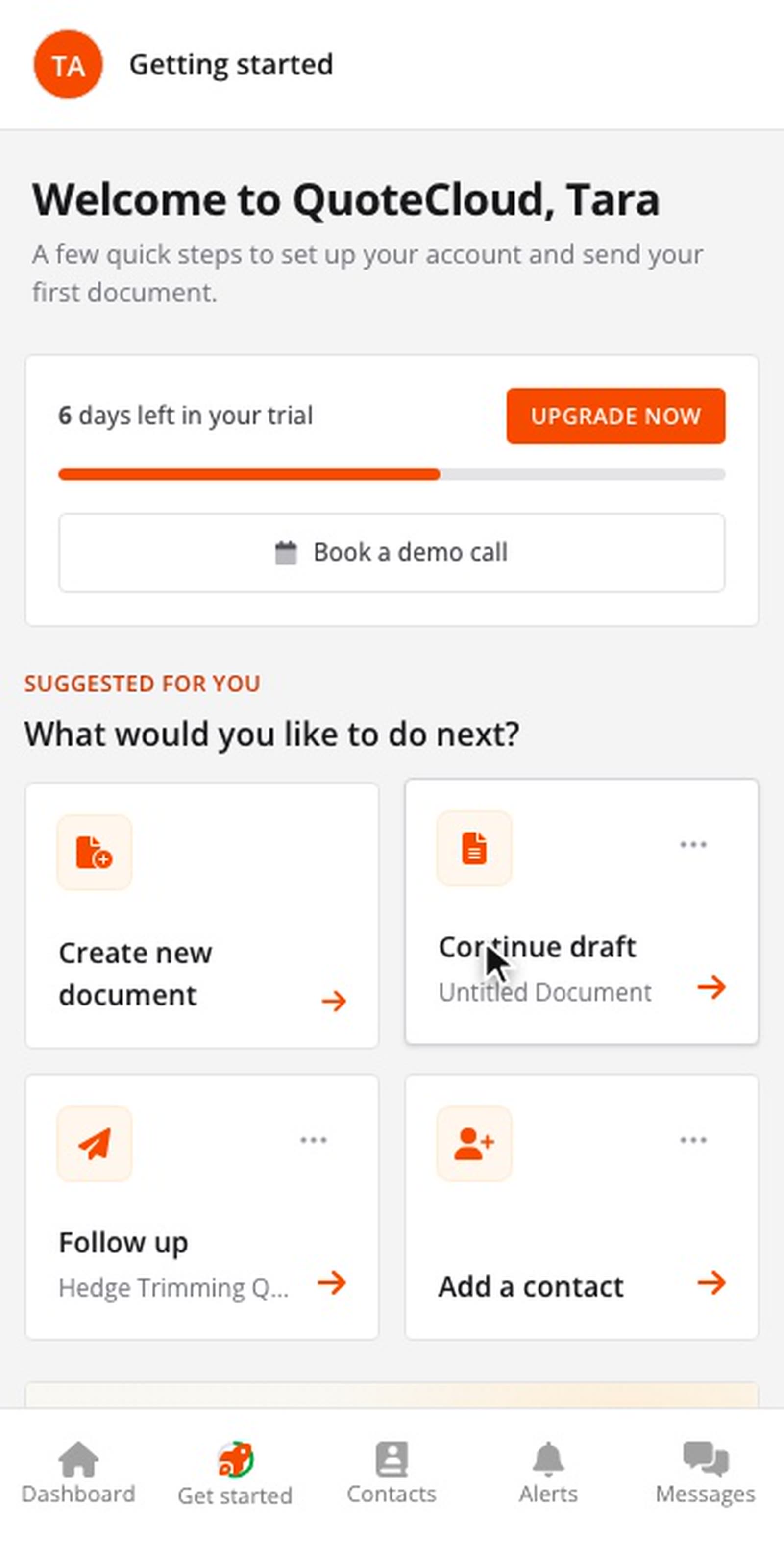
When setup is finished, the tab is renamed Discover and keeps the tour, tips and what's new.